Multistreaming
Reach every audience from one stream
Send one broadcast to 30+ destinations: social platforms, several channels on the same platform, partners’ channels, your website or a custom RTMP destination.
See how multistreaming works →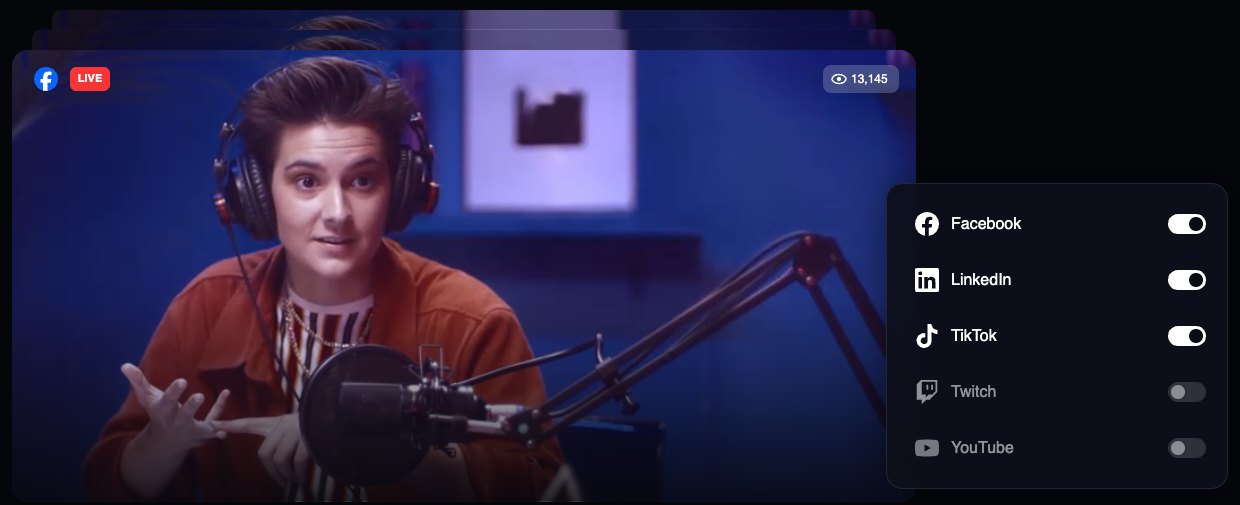

One live video 30+ destinations
go live on multiple platforms at the same time
Existing account?
Log in


What is Restream
Restream is live streaming software that runs in your browser. Produce your show in Restream Studio or connect OBS, Zoom or any RTMP encoder, then multistream to YouTube, Twitch, LinkedIn, TikTok and 30+ other platforms at once. Chat, analytics and recordings from every channel stay in one place.
Multistreaming
Send one broadcast to 30+ destinations: social platforms, several channels on the same platform, partners’ channels, your website or a custom RTMP destination.
See how multistreaming works →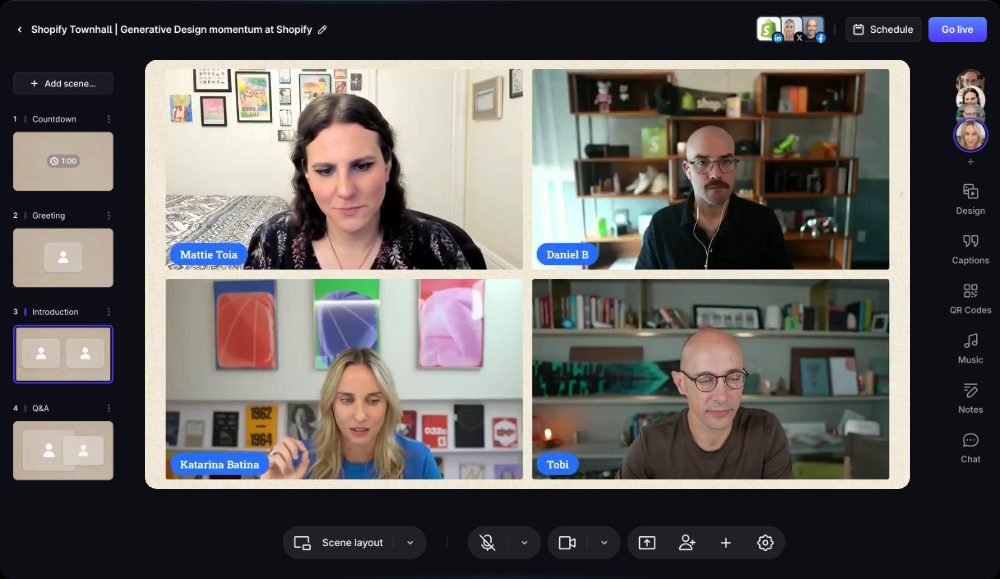
Studio
Invite guests, share your screen, add branded overlays and record in up to 4K with Restream Studio — no download needed.
Explore Restream Studio →
Upload & Stream
Upload a video, pick a time and premiere it as a live stream on every channel, without going live in real time.
Explore Upload & Stream →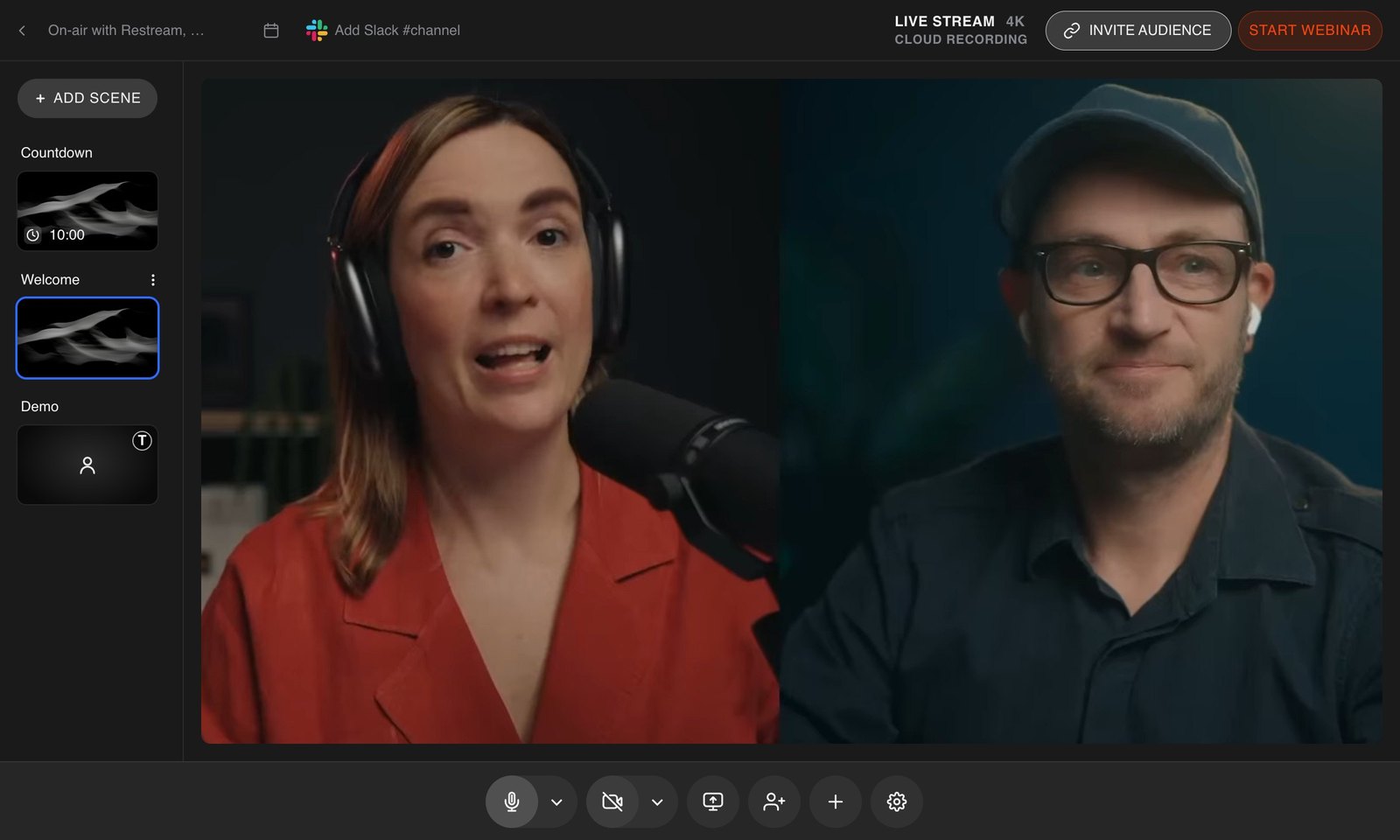
Webinars
Run webinars from registration to replay: branded registration pages, live production and engagement, and recordings to share on demand.
Explore Restream Webinars →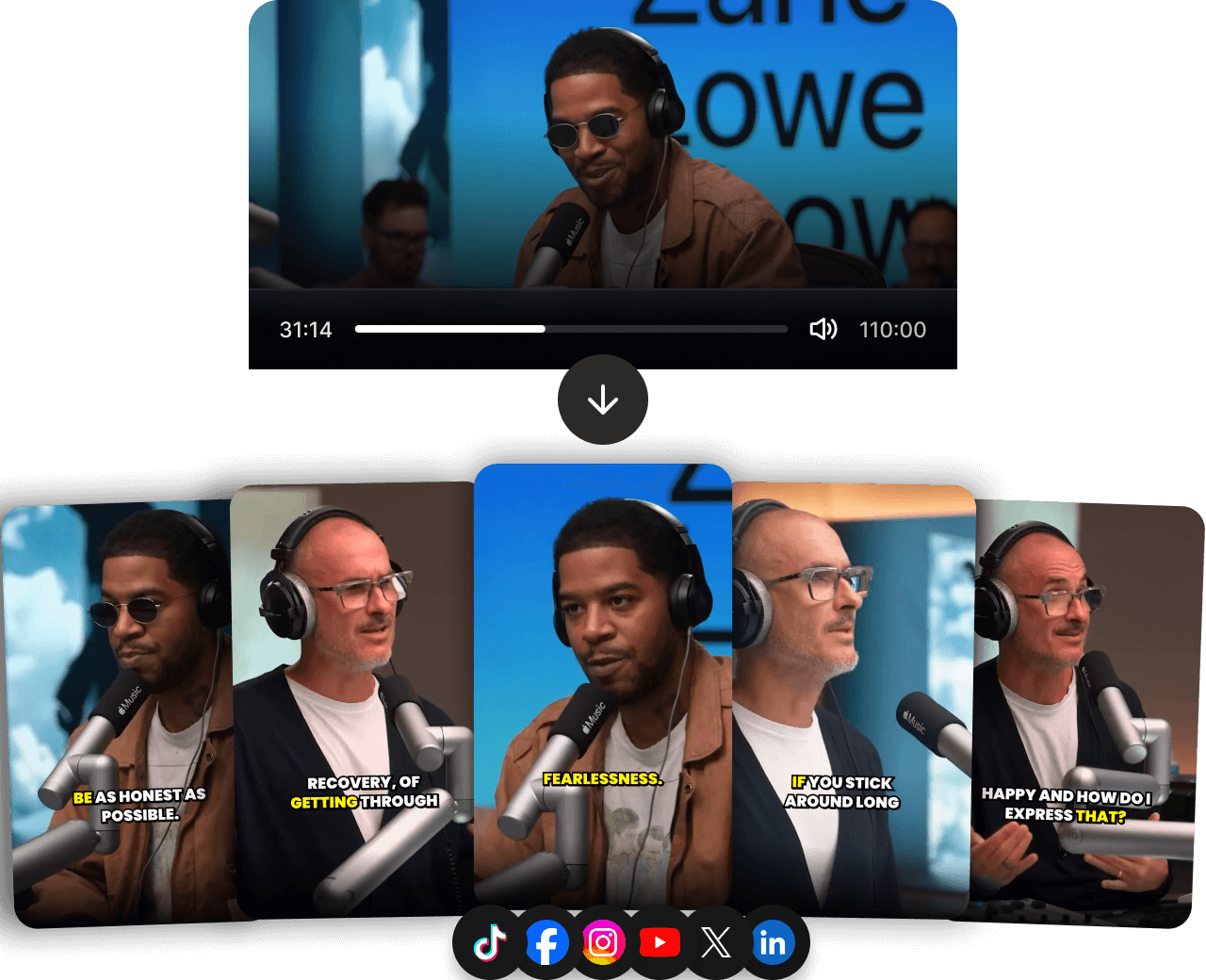
Clips
AI finds the best moments in your streams and recordings and turns them into captioned vertical clips for YouTube Shorts, TikTok and Reels.
Explore Restream Clips →Restream is live streaming software for producing, multistreaming and repurposing live video. Creators and businesses use it to go live on YouTube, LinkedIn, Twitch, TikTok and 30+ other platforms at the same time, from the browser or their own encoder.
No. Restream Studio runs in your browser, so you and your guests can go live without installing anything. If you already produce in OBS, vMix or a hardware encoder, send that stream to Restream over RTMP instead. Connect OBS to Restream.
Yes, on paid plans. Every stream is saved to your cloud storage, where you can download it, schedule it again or turn it into clips. On Professional and higher, Restream Studio can also record each participant locally in up to 4K.
Paid plans include 24/7 chat support with real people. Enterprise customers also get a dedicated customer success manager, onboarding and priority support for important live events.
Yes. The Free plan lets you multistream to two channels at once, with Restream branding on the stream. Paid plans add more channels, cloud recording, 1080p in Studio and team seats. Compare plans.